Recently, I had the sheer luck of managing client websites that used Facebook to implement their marketing.
Stepping into the mind of on-site developer Joseph, I got to see implemented social media hubs, social plugins, newsletter/e-mail sign-ups, the “Like” functionality, and the “Share” button. After hours of debating scenarios, user experiences, and testing share buttons with my trusty, fake Facebook account (which has only one friend – my actual account), I learned how Facebook can be a premier way to effectively market your goods to a captive social audience.
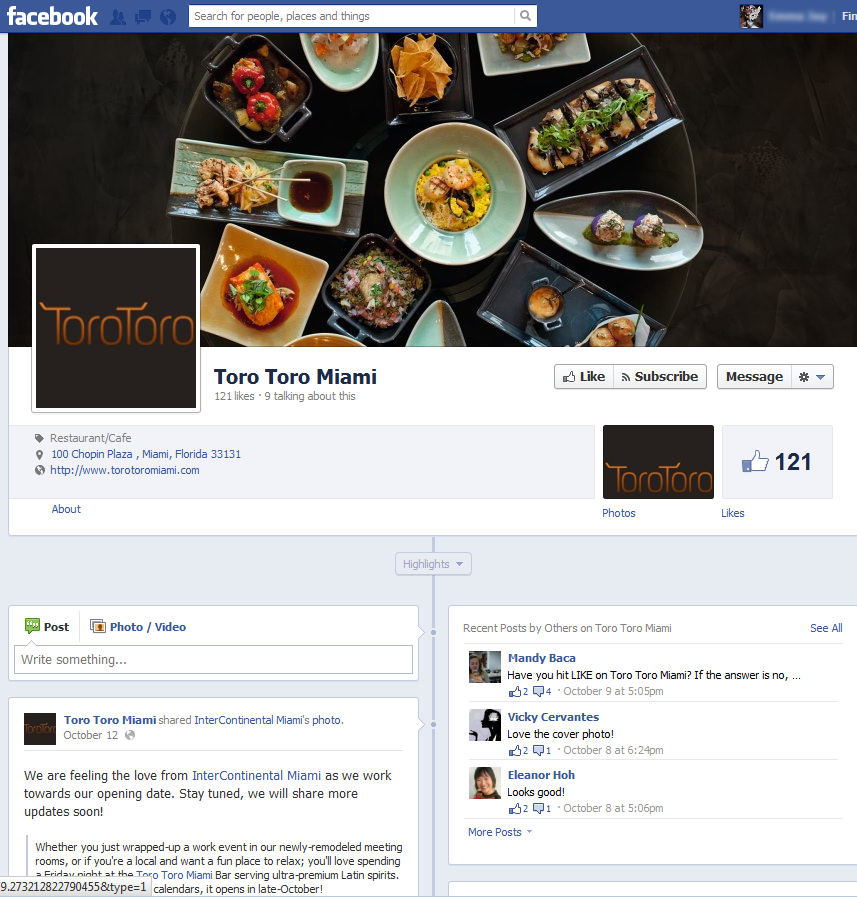
Toro Toro Miami’s new Facebook page
Facebook should add social value to your website without replacing it; it increases brand awareness, builds customer loyalty and retention, and makes king social media engagement between users, their friends, and your brand itself. If Facebook is now the Number One U.S. website, no wonder companies are flocking over to create their own presence.
1. Create a custom Facebook page. Present new updates and specials without losing the general layout, feel, and presentation of your current website. Upload a standard logo, memorable cover photo, photo albums, a guide or introduction destination for new visitors, events, and a call to action (booking, RFPs, requests for more information, checkouts, email/eblast/newsletter sign-ups).
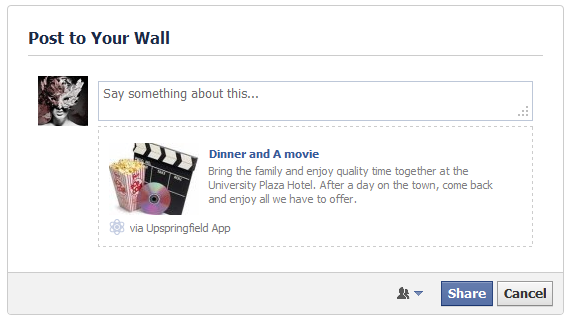 2. Engage your social audience with social plugins. Implement the “Like” functionality for the user to stay abreast of your latest and greatest updates on events and specials. Implement a “Share” button directly from your website that allows a customer to share an item or deal to his or her friends’ news feeds. In order to do this, here are two helpful tips:
- Get in the mind of a Facebook user. All users want to be the first to shout from the rooftops about a thing they really love. All users like to see how loud their shout reaches – who sees the posted content? Most users are narcissistic; they then want to see how their shout sounds to their relative group of friends – what does their post look like on the news feed? Lastly, all users want to see how their shout makes them look – how does this post look on their Timeline?
- Use Facebook Developer code. Facebook does a great job of laying out the groundwork with template code with which you change variables to carry over. Facebook even gives you example code for you to test out on your page. Here is a helpful page to get you started: http://developers.facebook.com/docs/reference/dialogs/feed/.
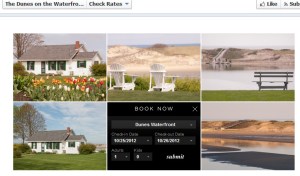
3. Place your call to action “front and center”. As an e-commerce merchant, you may want to use Facebook to lead to direct conversions or checkouts. Here’s an example of how a client, The Dunes on the Waterfront, implemented a reservation booking widget front and center on their Facebook page – seamlessly carrying over their custom website images along with their very own booking widget (or social plugin).
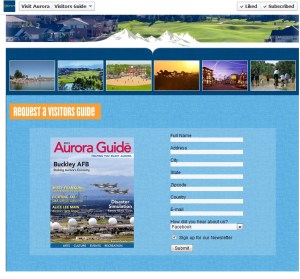 4. Add a sign up for e-mails or newsletters. Users like to walk away with more information. Be sure to allow the user to sign up for a newsletter. The client, Visit Aurora, wanted a destination at the top of their Facebook page to allow a new user to sign up for information – with a pre-selected opt-in to receive newsletters.
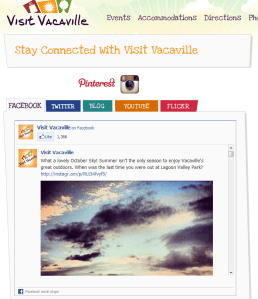
5. Add a social media hub to consolidate on your website. If you can combine your social media efforts in one stop, why not? I recently worked on one client’s site that had a social media hub that combined all their social media platforms into a single feed widget. Each tab opens up to a different social media feed. Check out the site’s social media hub.
Most social media hubs aren’t so fancy and follow a basic “box” format, where all the social media icons are clumped together. Popular social media platforms commonly used for marketing are Facebook, Twitter, Google +, Trip Advisor, Yelp, and Pinterest.
Once you incorporate customizing your page, promoting it from your website, posting status updates, cross-marketing your Facebook presence from your own website (with “Like” and “Share” buttons), the fans and “likes” will start trickling in. And if all else fails, the most traditional way to market your company is through display ads on Facebook.
 Michelle J. | Blog
Man……great web site you have here. A great deal of good content combined with
specific details!!! Do you already have any kind of content dealing with examples of
landing page?